Mode 0 · Restricted areas
Restricted area personnel detection
Mode 0 turns any no-go area into a monitored zone. ISEE-CAM watches the zones you draw, up to 25 m from a wall or pole mount, and reacts the moment a person crosses the line: a siren, a beacon, a projected warning, an e-mail or a signal to your PLC. It runs around the clock without tags, badges or an extra server.
- Detects people up to 25 m
- Several zones per camera
- Siren, beacon, e-mail or PLC
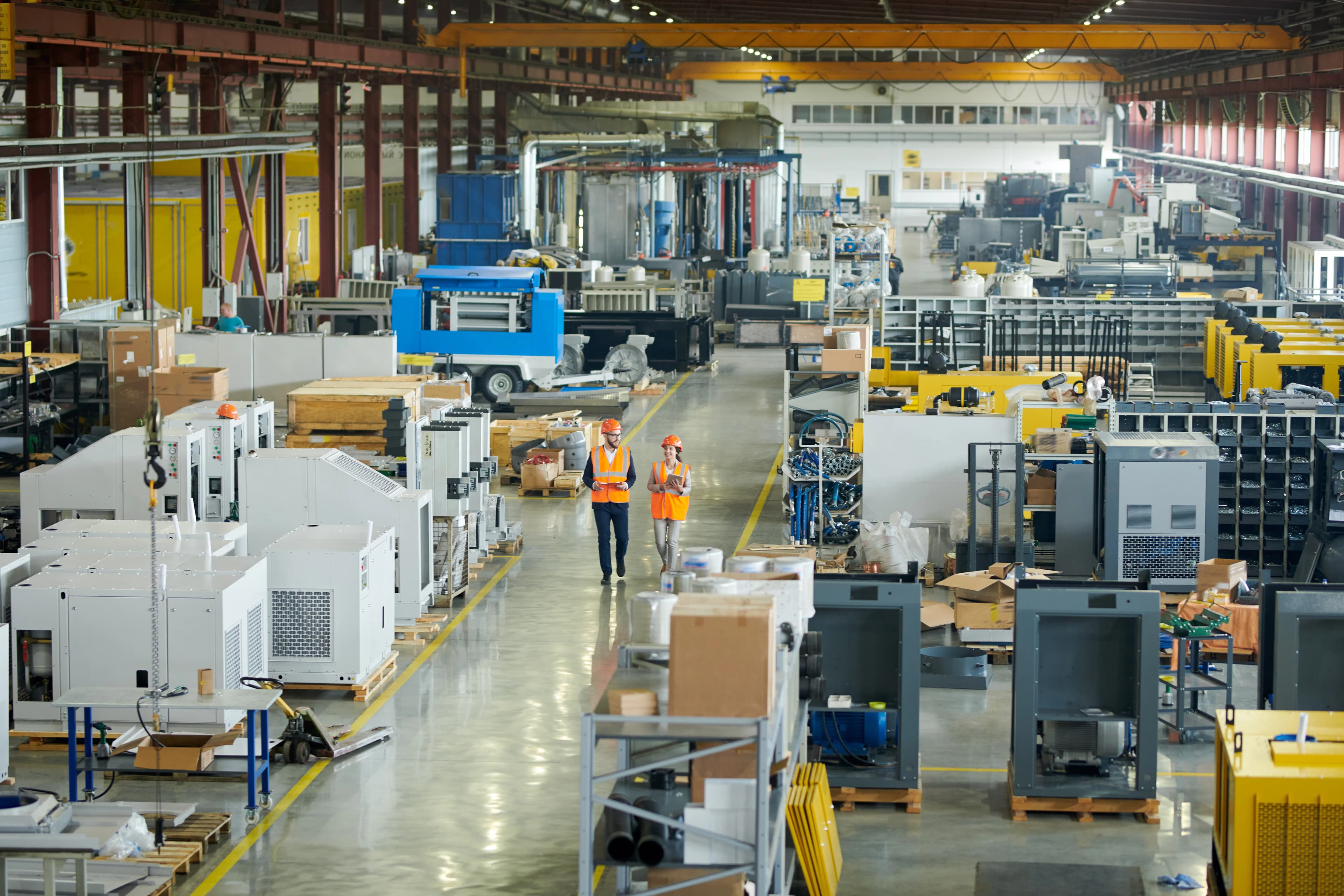
How restricted area detection turns a no-go zone into an alarm
Every plant has places where people should not be: a test bay under high voltage, the wrapping area of a stretch-wrapping machine, a chemical store, a conveyor line in motion. Signs, chains and painted lines mark these areas, but they do nothing when someone takes a shortcut or forgets. Supervisors cannot watch them all shift long. Mode 0 watches the zone continuously and responds the moment the rule is broken.
01 · Zone
One or more no-go zones drawn on the view
02 · Trigger
Any person detected inside a zone
03 · Outputs
- Siren, beacon or floor projection
- Signal to PLC or machine control
- E-mail alert and event log
Step 1
Draw the forbidden zones
In the web interface you outline each no-go area on the live image: a test bay, a walkway behind a machine, a storage corner. One camera supports several zones, so a single mount can guard multiple hazards on the same floor. Zones can be changed in minutes when the layout changes.
Step 2
Detect any person, without tags
The on-device AI model looks for people inside the zones up to 25 m away, 24/7. Workers, visitors and subcontractors are all detected the same way, because nobody needs to carry a badge or transmitter. Footage is processed on the camera and never leaves the site.
Step 3
Trigger the right response
When a person enters, ISEE-CAM switches its dry-contact outputs in under 100 ms. One output can sound a siren, another can hold a process through the PLC. The trigger input lets you arm the zone only while a process runs, for example during a test cycle.
Field footage
A person entering a restricted work area on camera
Restricted work area at a packaging plant
The clip is the live view from ISEE-CAM's web interface in an active work area of a packaging plant. A restricted zone is drawn on the floor around the equipment. When a worker steps inside, the camera marks the person with a box and switches the output at once. The event is logged with a snapshot, so the OHS team can see when and how often the zone was entered.
Danger zones where Mode 0 is installed
Cable and electrical testing
High-voltage test areas must be empty while a test runs. Mode 0 is armed through the trigger input at the start of the cycle and signals the test controller if anyone is still inside or walks in during the test.
Packaging and end-of-line
Stretch-wrapping machines and active packaging areas draw people in to fix a film or move a pallet. A zone around the turntable warns the operator and can hold the machine through the PLC while a person is inside.
Iron and steel
Conveyor lines and rebar handling areas in steel processing, where nobody should stand while material is moving. The camera checks the line from the side and alerts the shift as soon as someone enters.
Chemical and battery storage
Storage rooms and dosing areas that only authorized staff may enter. Entry triggers a local alarm and an e-mail with a snapshot, and the reports show how often the rule was broken.
Restricted area camera specifications
- Detection target
- People (any person, no tag or badge needed)
- Detection range
- Up to 25 m from the camera
- Zones
- Multiple zones per camera, drawn in the web interface
- Inputs and outputs
- 1 input, 3 dry-contact outputs; OPC-UA, Modbus TCP, REST API
- Response
- Alert-to-output latency under 100 ms, on-device processing
- Reporting
- E-mail alerts, daily, weekly and monthly reports
- Housing
- IP69K, −20 to +70 °C, DC 12–24 V, 95×60×70 mm
What a restricted zone needs for reliable detection
- A mounting point with a clear line of sight to the whole zone, within 25 m of the camera.
- Lighting that lets a person be seen clearly on the image at all hours the zone is armed.
- If the output should hold a machine or process, a qualified electrician wires it into the control circuit. ISEE-CAM adds a detection layer and does not replace light curtains, safety PLCs, interlocks or lockout procedures.
- Mode 0 detects presence only; it does not check PPE or tell authorized staff from others. Use Mode 20 or Mode 21 when PPE matters.
Restricted area camera vs. signs, barriers and sensors
Most danger zones already have some protection; this is what each measure leaves open.
| Method | Covers | Gap |
|---|---|---|
| Signs, chains and floor paint | Tells people where not to go | No detection, no alarm when ignored |
| PIR motion sensor | Detects movement in a small area | Reacts to vehicles and objects too; short range |
| Light curtain or laser scanner | Certified protection of a machine opening | Covers a line or plane, not a whole open area |
| ISEE-CAM Mode 0 | Detects people anywhere in several zones up to 25 m | Needs line of sight; not a certified safety device |
Questions & Answers
Frequently asked questions
What counts as a restricted area for Mode 0?
Any area you can see from one camera position and draw as a zone: a test bay, a machine surround, a storage room, a section of conveyor. One camera can hold several zones, and each zone can drive a different output, such as a siren for one and a PLC signal for another.
Will forklifts or moving parts trigger false alarms?
Mode 0 is trained to detect people, not motion, so a passing forklift or a turning machine part does not trigger it on its own. That is the main difference from PIR or microwave sensors, which react to anything that moves in their field.
Can the zone be active only during certain operations?
Yes. ISEE-CAM has a trigger input, so the zone can be armed by a signal from your machine or PLC, for example only while a high-voltage test or a wrapping cycle runs. Outside that window, people can work in the area without alarms.
How is Mode 0 different from Mode 1 and Mode 18?
Mode 0 is the general restricted area mode, mounted on a wall or pole and covering zones up to 25 m away. Mode 1 looks straight down from up to 10 m height for areas a side view cannot see. Mode 18 is built around machine guarding, such as the full danger zone of a press.
Do we need a server or a cloud subscription?
No. ISEE-CAM processes the video on the camera itself and nothing goes to the cloud. You set zones and read reports in a browser on the local network, and alerts go out as dry-contact signals, industrial protocols or e-mail.
Plan a tailored deployment
Send us a photo or short video of the area you want to keep clear and tell us what should happen on entry. We will propose the camera position, the zones and the output wiring.