Mode 2 · People counting
Personnel counting at entries and exits
Mode 2 counts every person who crosses a line at a door, gate or stairway and keeps a live headcount of the area behind it. ISEE-CAM looks down from up to 10 m, and several cameras can share one count across multiple entry and exit points. The count drives up to 3 outputs, e-mails and reports, so a process can wait until the area is empty.
- Overhead counting up to 10 m
- One count across several doors
- 3 outputs by headcount scenario
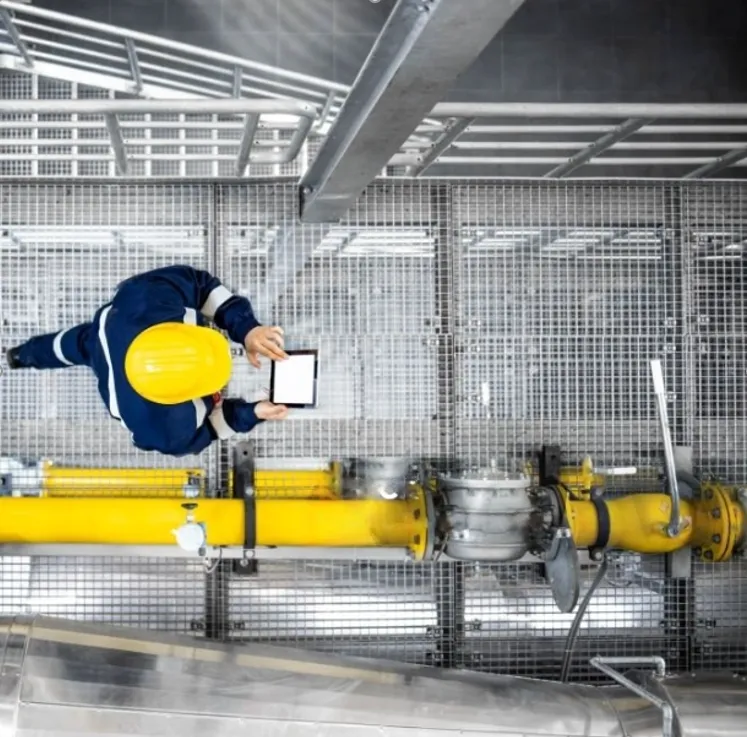
How the people counting camera keeps a live headcount
Knowing exactly how many people are inside an area matters most when it is about to change state: a robot cell before restart, a mine section at shift change, a room before a process starts. Paper sign-in sheets and verbal checks are slow and easy to skip, and badge readers only count people who badge. Mode 2 counts the crossings themselves, at every entrance, and turns the live number into a signal your equipment can use.
01 · Zone
Counting line at each entry and exit
02 · Trigger
Headcount reaches a set scenario
03 · Outputs
- Release or block signal to PLC
- Beacon or display at the door
- E-mail and daily headcount report
Step 1
Count each crossing
ISEE-CAM is mounted above a doorway, gate or stair landing, up to 10 m high. In the web interface you draw a counting line and set which direction means in and which means out. Each person who crosses is counted, without tags, badges or turnstiles.
Step 2
Share one total across doors
When an area has several entrances, each gets its own camera and the cameras communicate with each other. They keep one shared headcount for the area, so a person who enters through door A and leaves through door C is still counted correctly.
Step 3
Act on the number
The 3 outputs map to different headcount scenarios, for example "area empty", "people inside" and "limit reached". Each can drive a PLC release, a beacon or a display, and e-mail notifications can go out. Daily, weekly and monthly reports show how the headcount changed over each shift.
Field footage
Line-crossing counter on a mine stairway
Counting workers on a stairway at a mine
The clip is a short edit of ISEE-CAM views over stairways and walkways at a mining site. A red counting line is drawn across each passage, and the on-screen counter goes up each time a worker crosses it. The camera looks straight down, so people walking close together are still counted one by one. The same setup works at any door or gate where people pass in one direction or the other.
Where a live headcount changes a decision
Automotive robot cells
A robot cage with several doors, such as a multi-door welding cell. Cameras at each door keep one headcount, and the robot is only released for restart when the count is back to zero.
Mining
Stairways, shafts and section entrances where crews move in and out at shift change. The live count shows how many people are below or inside, and the reports log every movement for the shift.
Process rooms
Rooms such as paint booths, test rooms or ovens where a process should start only when nobody is inside. The "area empty" output gives the PLC a clear start condition.
Production halls and gates
Main entries to a hall or a fenced area, where the safety team wants to know how many people are inside at any time, and receive an e-mail when the number crosses a set value.
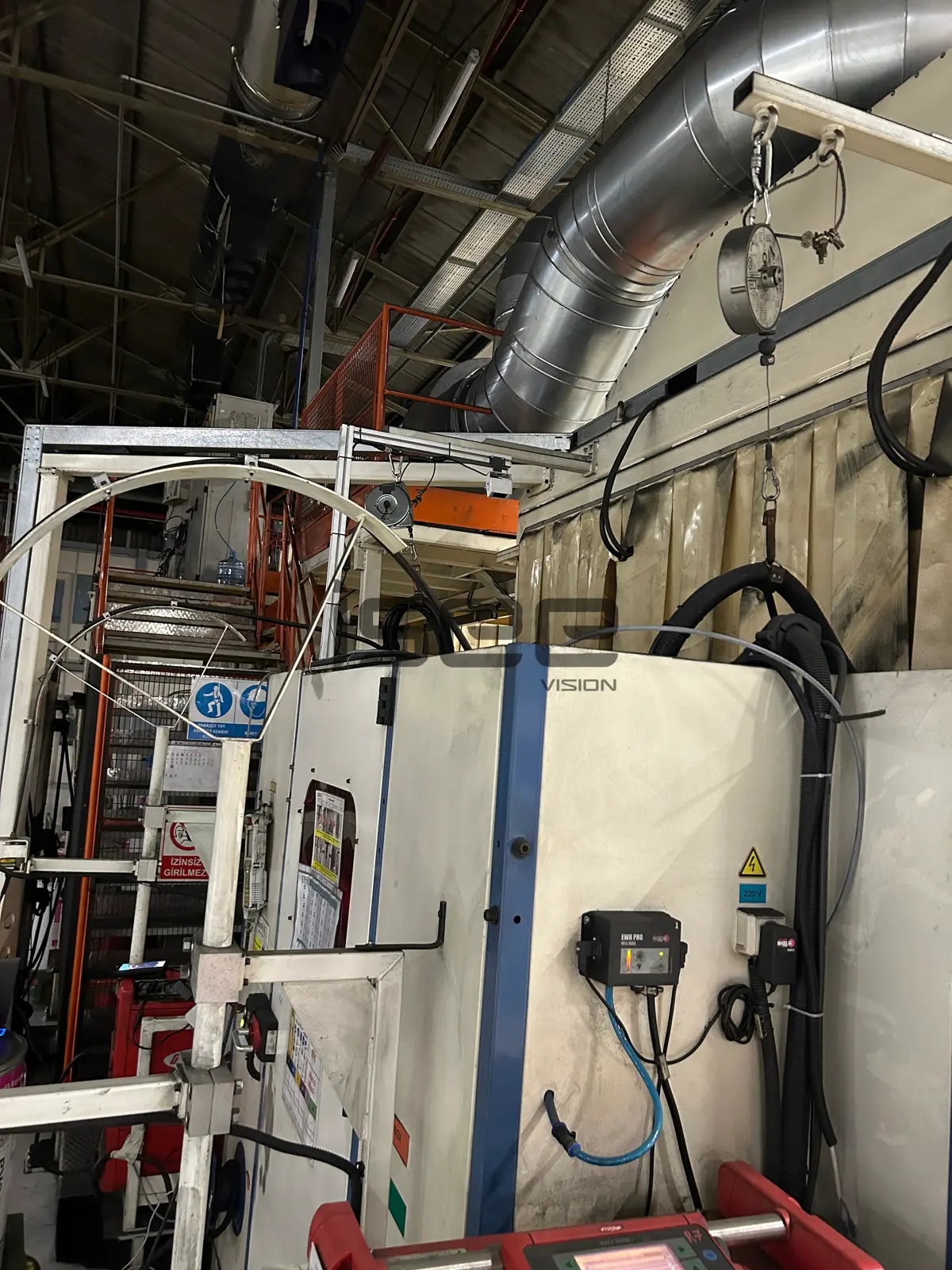
People counting specifications
- Detection target
- People crossing a counting line, in and out
- Mounting height
- Up to 10 m, bird's-eye view
- Multiple doors
- Cameras communicate to keep one shared count
- Outputs
- 3 dry-contact outputs mapped to headcount scenarios; OPC-UA, Modbus TCP, REST API
- Notifications
- E-mail alerts; daily, weekly and monthly reports
- Processing
- On the camera, no server or cloud; latency under 100 ms
What a counting point needs to stay accurate
- Every entrance to the area needs a counting point. A door without a camera breaks the total.
- Mount above the passage so people cross the line one after another; very wide openings may need more than one camera.
- Plan a routine check of the count against reality, for example at shift start, as part of the procedure.
- Mode 2 counts people; it does not identify them or check PPE. For helmet-based counting use Mode 3.
- A headcount output can hold a machine, but ISEE-CAM works alongside the cell's guards, interlocks and lockout procedure and does not replace them.
Counting camera vs. sign-in sheets, badges and turnstiles
Each method answers "how many are inside?" differently; here is where each stops.
| Method | Covers | Gap |
|---|---|---|
| Manual headcount or sign-in sheet | Simple, no equipment | Slow, skipped under time pressure, no live signal |
| Badge reader | Counts and identifies badge holders | Misses tailgaters and visitors without a badge |
| Turnstile | Forces one person at a time | Slows traffic; impractical on stairways or wide gates |
| ISEE-CAM Mode 2 | Counts every crossing at several doors, drives outputs | Each entrance needs a camera; does not identify people |
Questions & Answers
Frequently asked questions
Can one count cover an area with several entrances?
Yes. You install one camera per entrance and the cameras communicate with each other to keep a single headcount for the area. People can enter through one door and leave through another, and the total stays correct as long as every entrance is covered.
What can the 3 outputs do?
Each output is mapped to a headcount scenario you define, such as area empty, people inside, or a set number reached. The outputs can release or block a machine through the PLC, switch a beacon at the door or drive a display, while e-mails report the change.
Does the camera know who is inside?
No. Mode 2 counts people; it does not identify individuals or read badges. That also means it counts visitors and tailgaters that badge systems miss. If you need names, keep your badge system and use the camera count as a cross-check.
How is Mode 2 different from Mode 8 and Mode 7?
Mode 2 counts crossings at entrances from above and keeps a running total. Mode 8 looks at an area from the side, up to 25 m, and alarms when too many people are inside. Mode 7 alarms when fewer people than a set minimum are present.
Can I use the cameras I already have?
ISEE-CAM is an all-in-one camera with its own processor, so it needs no server. Running the counting software on existing IP cameras is assessed project by project; send us your camera models and a sample recording.
Plan a tailored deployment
Send us a plan of the area showing every entrance, plus a photo of each doorway with the ceiling height. We will tell you how many counting points you need and how to map the 3 outputs.