Mode 3 · Helmet-based counting
Hard hat detection with helmeted and non-helmeted counting
Mode 3 counts people entering and leaving an area and sorts them into helmeted and non-helmeted. ISEE-CAM looks down from up to 10 m, so the hard hat is seen clearly from above. The two counts drive 3 outputs in the scenarios you define: an audible warning, a machine lockout while a person without a helmet is inside, or a release once the area is empty.
- Helmet check from up to 10 m above
- Separate helmeted / bare-head count
- 3 outputs, e.g. machine lockout
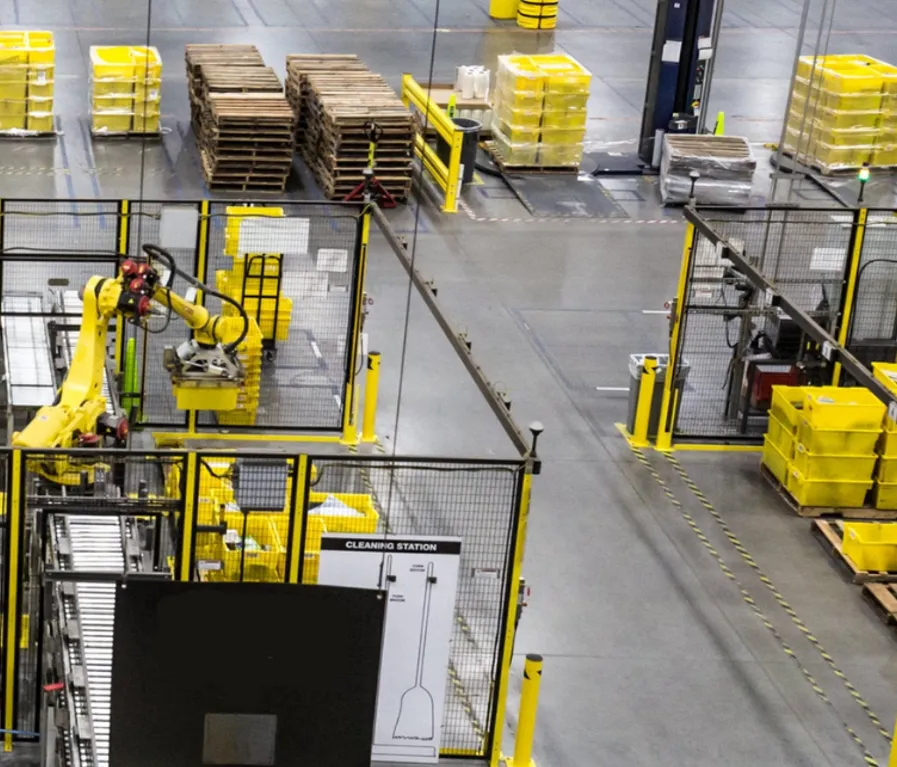
How hard hat detection and counting work together
Helmet rules are usually checked at the door, once, by a sign or a supervisor. After that nobody knows how many people inside are wearing one, or whether someone took it off near the machine. That matters in welding rooms, service pits and under lifted loads, where the machine should not run if a bare head is in the zone. Mode 3 keeps two live counts, helmeted and non-helmeted, and lets the machine react to them.
01 · Zone
Entry and exit lines of the controlled area
02 · Trigger
Non-helmeted entry or a set headcount scenario
03 · Outputs
- Audible warning at the door
- Machine lockout via PLC
- Release when the area is empty
Step 1
Look down on every head
ISEE-CAM is mounted above the entrance, up to 10 m high. From the bird's-eye view, the top of each head faces the camera, which is the clearest angle for a hard hat. The on-device model classifies every person who crosses the line as helmeted or non-helmeted.
Step 2
Keep two live counts
The camera keeps separate counts of helmeted and non-helmeted people inside. When an area has several doors, the cameras communicate and share both counts. You see the numbers live in the web interface, and every entry is logged for daily, weekly and monthly reports.
Step 3
Map scenarios to outputs
Each of the 3 outputs is tied to a scenario based on the counts. A common setup: output 1 sounds a warning when a non-helmeted person enters, output 2 holds the machine while any bare head is inside, and output 3 signals that the area is empty. E-mails can also be sent.
Where helmet status should control the machine
Automotive welding
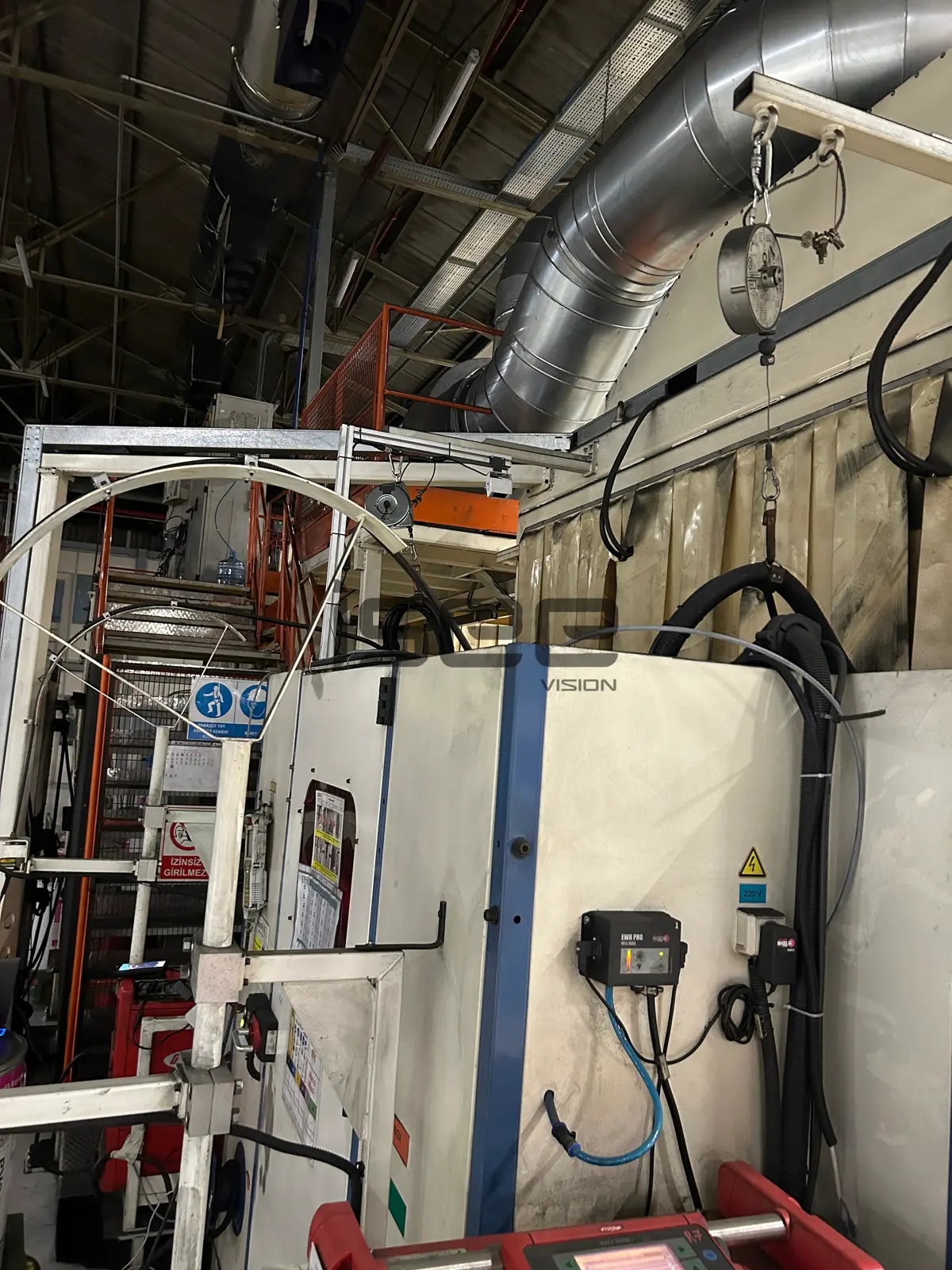
Welding rooms where robots or welding equipment must not run while a worker without a helmet is inside. In one automotive plant the welding room door is controlled this way, with lockout on a non-helmeted entry.
Vehicle service bays
Work under raised vehicle lifts, where a falling part can hit the head. In automotive service bays the camera checks personnel under the lift for helmets, gives an audible warning and is linked to lift control.
Steel and heavy industry
Production bays with overhead loads, where a helmet is mandatory from the door onward. Counting by helmet status shows how many people inside are compliant at any moment.
Maintenance zones
Pits, platforms and shutdown areas used by contractors. The non-helmeted count is a quick way to see whether visiting teams follow the site rule, and the reports document it.
Helmet counting specifications
- Detection target
- People, classified as helmeted or non-helmeted
- Mounting height
- Up to 10 m, bird's-eye view
- Counting
- Separate live counts; several cameras share counts across doors
- Outputs
- 3 dry-contact outputs tied to count-based scenarios
- Integration
- 1 input; OPC-UA, Modbus TCP, REST API; latency under 100 ms
- Reporting
- E-mail notifications; daily, weekly and monthly reports
What to plan before linking helmet counts to equipment
- A mounting point above each entrance, no higher than 10 m, so the top of the head is visible as people pass.
- Every door into the area needs its own camera for the counts to stay correct.
- Mode 3 checks helmets only. For vests use Mode 20, and for gloves, glasses, masks or harnesses at a gate use Mode 21.
- A lockout output is wired into the machine's control by a qualified electrician. ISEE-CAM adds a detection layer and does not replace guards, safety PLCs or lockout procedures.
Helmet counting vs. door checks, signs and turnstiles
Helmet rules are enforced in several ways; this is what each one leaves open.
| Method | Covers | Gap |
|---|---|---|
| Signs and supervisor checks | Reminds and spot-checks at the door | No record, nothing happens when no one is watching |
| Turnstile with manual PPE check | Stops people at one entry point | Slow, needs staff, no count of who is inside |
| Side-view PPE camera (Mode 20) | Helmet and vest alarm in an open area | Alarms on violations, does not keep an inside count |
| ISEE-CAM Mode 3 | Counts helmeted and bare heads inside, drives a lockout | Helmets only; one camera per door |
Questions & Answers
Frequently asked questions
Why mount the camera overhead for hard hat detection?
Because the hard hat sits on top of the head. From above, the camera sees it directly, without the face, shoulders or other people blocking it. That makes the helmeted or non-helmeted decision clearer at a doorway, where people often walk close together.
Can a non-helmeted entry stop the machine?
Yes. One output can be wired into the machine control so it is locked out while a non-helmeted person is inside. An automotive plant uses this at a welding room door. The lockout works alongside the machine's own safety system, never instead of it.
Does it also check safety vests or other PPE?
No. Mode 3 classifies helmets only. For helmet and vest checks in an open area use Mode 20; for full PPE control at a gate, including gloves, glasses, masks and harnesses, use Mode 21, which can block passage.
What happens if a worker takes the helmet off inside?
Mode 3 classifies people as they cross the counting line at the entrance, so the counts reflect helmet status at entry. To watch for helmets being removed inside the area, add a camera running Mode 20 over the work zone.
How many cameras will I need?
One per entrance to the controlled area, since the counts are kept at the doors. The exact number depends on door width and ceiling height. We size it from photos of each entrance or a short site survey.
Plan a tailored deployment
Send us a photo of each entrance with the ceiling height and tell us which machine should react. We will propose the camera positions and how to map the 3 outputs to your helmet rule.