Mode 5 · Forklift–pedestrian safety
Forklift collision warning for shared zones
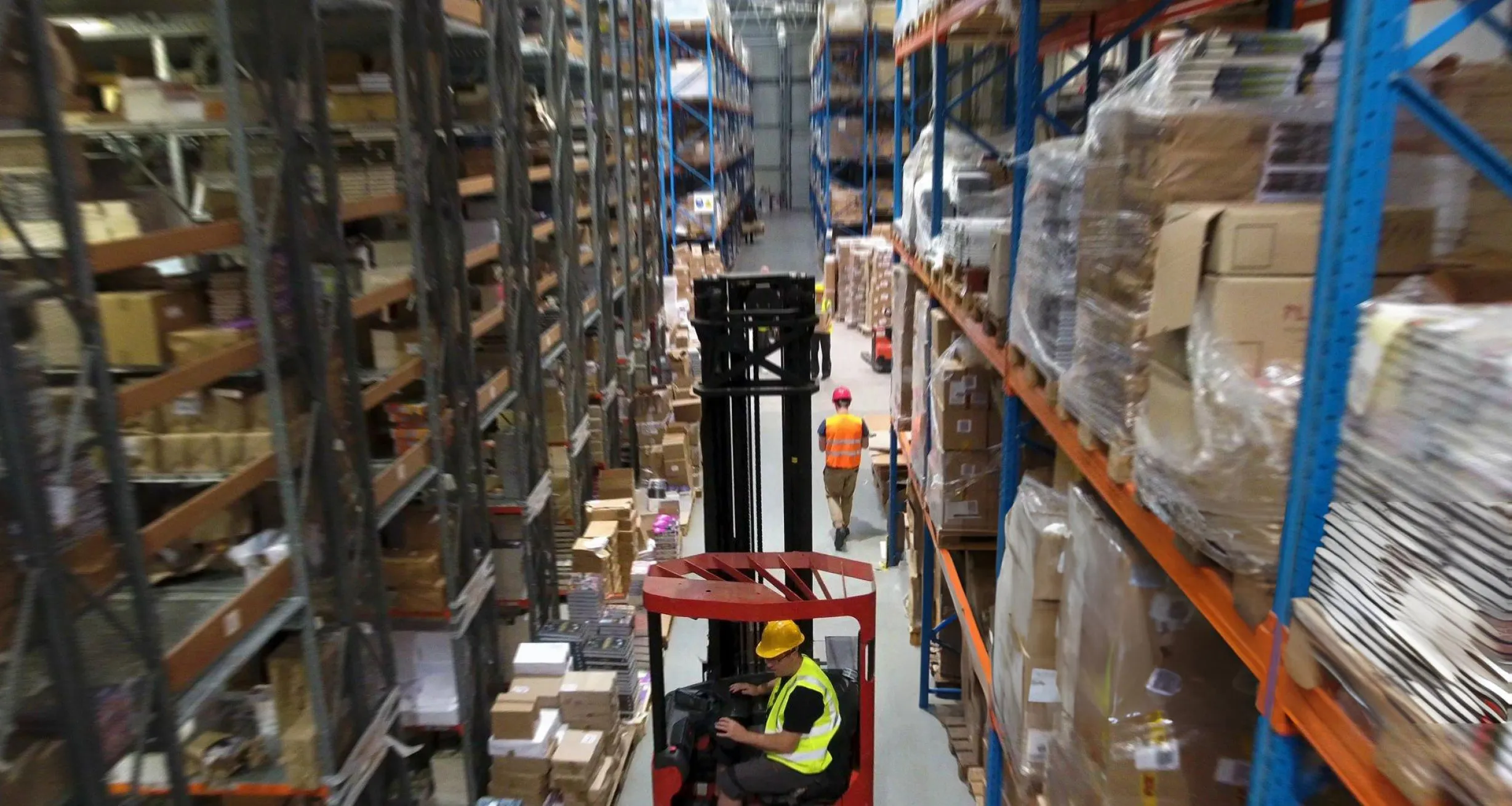
Mode 5 is a forklift collision warning for places where trucks and people share space: narrow aisles, loading docks, freight elevators, cross-traffic points. ISEE-CAM reacts only when a forklift and a person are in the same zone at the same time. It then sounds an alarm for the pedestrian, warns the driver and, with additional on-truck hardware, slows or stops compatible forklifts.
- Forklift + person, up to 20 m
- Fires only when both are present
- Slows compatible forklifts
How the forklift collision warning decides when to act
A forklift alone in an aisle is normal. A person alone in an aisle is normal. The accident happens when both are there at once and the driver, looking past a raised load or reversing, does not see the pedestrian. General alarms that sound every time a truck passes are soon ignored. Mode 5 looks for the combination that actually matters, so the warning stays rare and credible, and it works for everyone on site, with or without a tag.
01 · Zone
Shared aisle, dock, elevator or crossing
02 · Trigger
Forklift and person in the zone together
03 · Outputs
- Audible alarm for the pedestrian
- Beacon or projection for the driver
- Slow-down or stop via on-truck kit
Step 1
Detect forklifts and people separately
ISEE-CAM runs one on-device model that recognizes both classes, forklifts and people, up to 20 m from the camera. Nobody needs to wear a tag or carry a badge, so visitors, truck drivers and temporary staff are protected the same way as trained warehouse operators.
Step 2
Alarm on the combination, not on traffic
In the web interface you draw the shared zones: an aisle, a dock apron, the area in front of an elevator. The rule is simple. A forklift alone or a person alone is ignored; both inside the zone together triggers the alert. That keeps the alarm meaningful during a busy shift.
Step 3
Warn both sides and slow the truck
The three dry-contact outputs can drive separate signals, such as a horn for the pedestrian and a beacon for the driver. On compatible forklifts, additional on-truck hardware lowers speed or stops the truck. Alert-to-output latency is under 100 ms and each event is reported by e-mail and in periodic reports.
Field footage
Forklift slow-down when a person is near
Forklift slows down when a person is near
The clip is from a production hall where a forklift carrying a bulk bag shares the floor with people. While the truck drives with nobody nearby, it runs at normal speed. When a worker in a hi-vis vest steps into the monitored zone in front of it, ISEE-CAM switches its output and the forklift slows down through the hardware fitted on the truck, then resumes once the zone is clear.
Where forklift–pedestrian detection pays off
Narrow-aisle warehouses
Very narrow aisles leave no room to step aside. A camera at the aisle end raises an alarm when a picker is inside and a truck enters, and can slow the truck before the driver reaches the person.
Freight elevators
At a wood-panel plant, ISEE-CAM watches a freight elevator used by both forklifts and people. The risk is a truck driving in while someone is still inside the car or standing at the door; Mode 5 flags that exact moment.
Loading docks
Dock aprons mix forklifts, truck drivers and dock staff. Mode 5 warns when a person walks into the forklift path during loading. One plant scoped it together with truck, door and wheel-chock checks across 7 loading points.
Ports and yards
Forklifts and other work vehicles share open yards with lashers, drivers and inspectors. Fixed cameras over crossing points and stacking lanes warn when a person and a vehicle meet in the same zone.
Forklift and personnel mode specifications
- Detection targets
- Forklifts and people, classified separately
- Detection range
- Up to 20 m from the camera
- Alert rule
- Forklift and person in the same zone at the same time
- Outputs
- 1 input, 3 dry-contact outputs; OPC-UA, Modbus TCP, REST API
- Truck intervention
- Slow-down or stop on compatible forklifts with on-truck hardware
- Response
- Alert-to-output latency under 100 ms, processed on the device
- Reporting
- E-mail notifications; daily, weekly and monthly reports
Before you install a forklift proximity warning
- A camera position that sees the whole shared zone; tall racking or stacked goods can hide a person, so blind aisles may need a camera at each end.
- Slowing or stopping a truck needs additional hardware on each forklift; we check compatibility per model, and front-facing camera options are quoted per truck.
- ISEE-CAM adds a detection layer to the forklift's own safety systems, speed limits, segregated walkways and operator training; it does not replace them.
- Detection is visual, so the zone needs line of sight and reasonable lighting; it cannot see through racks or around corners. For blind corners, see Mode 22.
AI camera vs. UWB tags, radar and blue lights
Each forklift proximity technology has a real strength; the right choice depends on who is on your floor.
| Method | Covers | Gap |
|---|---|---|
| UWB / RFID tag systems | Measures tag-to-tag distance, works around corners and racks | Only sees people wearing a charged tag; visitors are invisible |
| Radar or ultrasonic on the truck | Detects any object near the forklift | Cannot tell a person from a rack or pallet, so alarms get ignored |
| Blue spot or red zone lights | Shows pedestrians where the truck is | Relies on people noticing; no detection, no stop |
| ISEE-CAM Mode 5 | Sees any person and any forklift in the zone, no tags | Needs line of sight; fixed zones, not a 360° bubble |
Questions & Answers
Frequently asked questions
Is a camera better than a UWB forklift proximity system?
They solve different problems. UWB measures distance between tags and works around corners, but only for people wearing a working tag. A camera needs line of sight, yet it sees everyone, including visitors and drivers who never received a tag. Many sites use cameras at fixed hotspots and keep tags for mobile coverage. Our blog compares both in detail.
Will the alarm sound every time a forklift drives by?
No. Mode 5 triggers only when a forklift and a person are inside the same zone at the same time. A truck passing through an empty aisle, or a picker working alone, does not set it off, which keeps the warning credible over a long shift.
Can the camera slow down the forklift automatically?
Yes, if the forklift is compatible. ISEE-CAM sends its output to additional hardware fitted on the truck, which reduces speed or stops it while the person is in the zone. We confirm compatibility for each forklift model before quoting.
Can the pedestrian and the driver get different warnings?
Yes. With three dry-contact outputs, one can drive a horn or siren on the floor, another a beacon or projection aimed at the driver, and the third a signal to the truck or a PLC.
Does it work outdoors at docks and in port yards?
Yes. The housing is IP69K and rated from −20 to +70 °C, so rain, washdown and cold docks are fine. Like any camera, it needs a clear view of the zone and enough light, so night shifts may need extra lighting at the crossing points.
Plan a tailored deployment
Send us a short video of the aisle, dock or elevator where forklifts and people meet, and the forklift models you use. We will propose camera positions, the alert logic and whether on-truck slow-down fits your fleet.