Mode 19 · Hand safety
Hand detection in risky machine areas
Mode 19 looks for hands, bare or gloved, inside a risk zone you define on a machine: the press die, the nip of an open mill, a cable drum being wound. When a hand enters, ISEE-CAM can trigger an audible or visual alert and send a stop signal to the machine's PLC. It can also work the other way round: you define a safe area where the operator's hands must stay, and the alert fires when a hand leaves it. It adds a detection layer alongside light curtains and other safety devices.
- Detects bare and gloved hands
- Stop signal to the machine PLC
- Extra layer next to light curtains

How press hand detection works with a camera
Hand injuries happen where people feed, guide or clear material: a die, a roller nip, a drum flange. Light curtains protect many of these points well, but they react to any object in the beam and cannot tell a hand from a workpiece, so they are often muted while material passes. Open mills and winding lines are hard to fit with a curtain at all. Mode 19 watches for the hand itself.
01 · Zone
Risk zone at the die, nip or drum, or a safe area for the hands
02 · Trigger
Bare or gloved hand detected in the zone
03 · Outputs
- Stop signal to the machine PLC
- Audible or visual alert
- Event log for reports
Step 1
Find hands, not just objects
ISEE-CAM is mounted above or beside the point of operation. Its on-device model is trained to recognize human hands, with or without gloves. A coil, a bar or a sheet passing through the zone is not a hand, so material flow does not need to be muted the way a beam-based device often must be.
Step 2
Draw the risk zone
In the web interface you mark the area where a hand must never be while the machine moves: the die area, the space between rollers, the gap between a drum flange and the winder arm. The camera's input can arm detection only during the dangerous part of the cycle.
Step 3
Signal the machine
When a hand is detected in the zone, one of the three dry-contact outputs goes to the PLC so the machine can stop or not start, and another drives a horn or light. Alert-to-output latency is under 100 ms; the machine's own stopping time comes on top of that.
Field footage
Hand detection on a cable drum winding line
A gloved hand reaching toward a cable drum
The camera looks down at a wooden cable drum held between the arms of a winding machine. Blue lines mark the risk zone around the drum. During the clip, an operator's gloved hand reaches up from below toward the drum, into the area the camera watches. On a running line, a hand inside the zone is the condition that sends the winder a stop signal.
Machines where hands are at risk
Rubber and plastics
Operators feed and cut compound by hand at open mills, close to the roller nip. A rubber products manufacturer started with one mill; after the first site, other plants in the group in other countries asked for the same setup.
Cable manufacturing
On drum winding lines, operators guide the cable and fix its end on the flange while the drum turns. A camera over the drum detects a hand near the flange, and the winder receives a stop signal.
Rebar and steel bundling
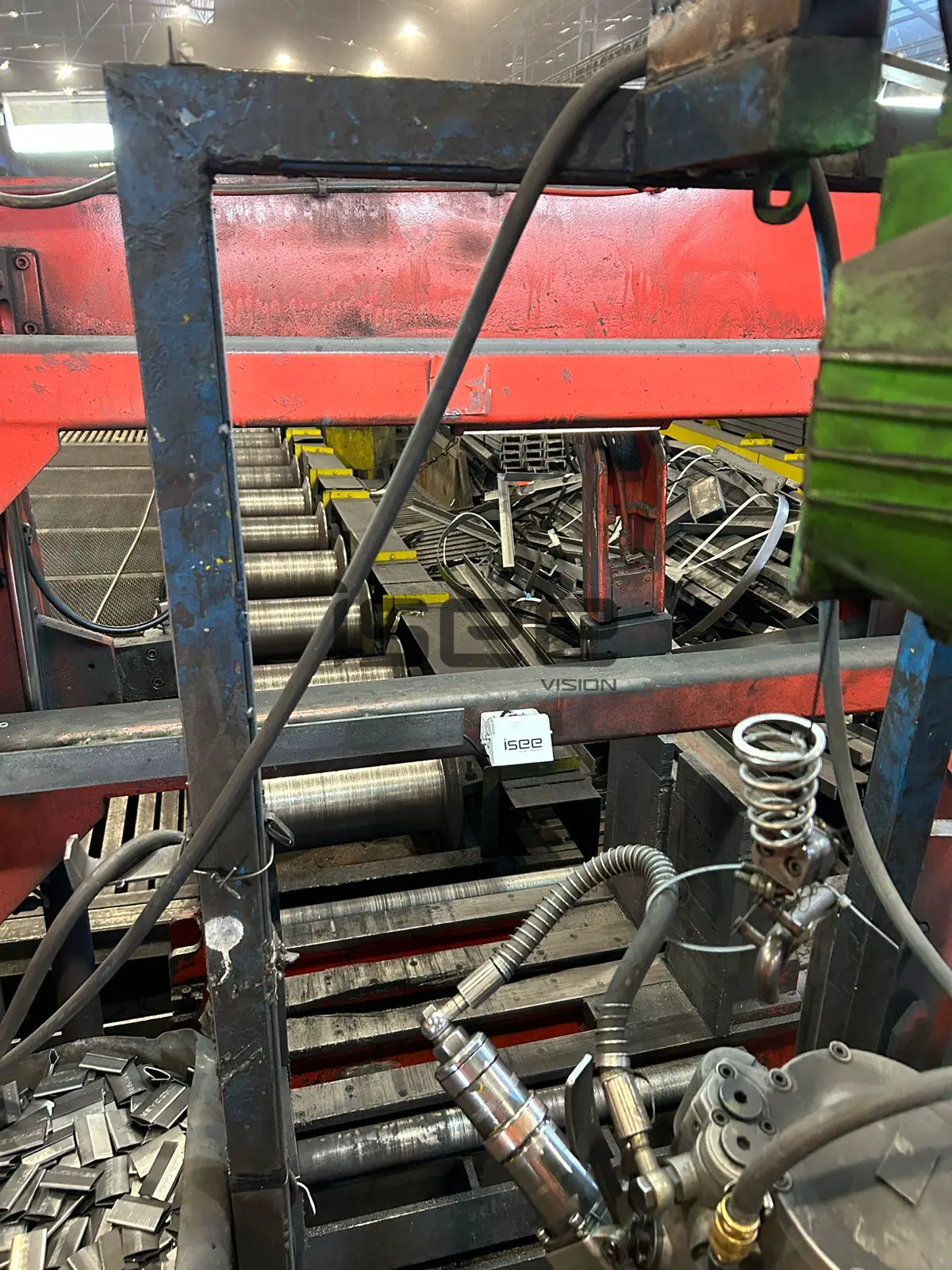
On a steel processing line, hand detection watches the rebar bundling area, where workers place ties around bars that the machine moves and compacts. The camera is mounted on the line frame above the bundling point.
Press tending
On hydraulic and mechanical presses that are loaded by hand, a camera over the die adds a hand check on top of the light curtain and two-hand controls, especially where operators reach in from the side.
Hand detection specifications
- Detection target
- Human hands, bare or gloved
- Zones
- Risk zones or safe areas drawn in the web interface
- Inputs and outputs
- 1 input to arm detection, 3 dry-contact outputs; OPC-UA, Modbus TCP, REST API
- Actions
- Audible or visual alert, PLC communication, machine stop
- Response
- Alert-to-output latency under 100 ms, processed on the device, no cloud
- Housing
- IP69K, −20 to +70 °C, DC 12–24 V, 1920×1080, 95×60×70 mm
Limits to plan for before installing hand detection
- ISEE-CAM is not a certified safety device; no SIL or PL rating is stated. Mode 19 works alongside light curtains, two-hand controls, trip bars and the safety PLC and never replaces them.
- A clear view of the risk zone. The operator's own arm, body or the workpiece can hide a hand, so the camera is placed where the point of operation is visible from above.
- The zone must leave enough margin for the machine's stopping time. A camera cannot stop a press faster than its brake allows.
- Wiring by a qualified electrician, in line with your machine risk assessment.
Light curtain or AI camera for press safety?
The honest answer is usually both; here is where each method stops.
| Method | Covers | Gap |
|---|---|---|
| Safety light curtain | Any object crossing a defined plane; safety-rated, proven on presses | Cannot tell a hand from material; needs muting; hard to fit on mills and winders |
| Two-hand control | Keeps the operator's hands on the buttons during the stroke | Protects only the operator at the control, not a helper |
| Fixed guard / trip bar | Blocks or stops access at a known point | Gets in the way of feeding and clearing; can be bypassed |
| ISEE-CAM Mode 19 | Recognizes hands in a drawn zone, from any direction | Not safety-rated; needs line of sight to the hand |
Questions & Answers
Frequently asked questions
Is a camera better than a light curtain on a press?
No, it does a different job. A safety light curtain is a safety-rated device and stays the primary protection. The camera adds a check that recognizes hands specifically and sees reaches from the side or above, which one curtain plane does not. Most sites using Mode 19 keep their curtain.
Does it work with gloves on?
Yes. The model detects hands with or without gloves, which matters in rubber, cable and steel plants where gloves are mandatory. If your gloves are close in color to the machine, show them in the sample footage we review before quoting.
What happens when material passes through the zone?
Nothing, as long as no hand is in it. The camera looks for hands, so sheets, bars, cable and rubber compound do not trigger the output. This is the main practical difference from a beam-based device, which is interrupted by any object.
How fast is the stop signal?
Alert-to-output latency is under 100 ms. The total time until the machine stands still also depends on its own stopping time, so the risk zone is drawn large enough to cover it. We size it with your maintenance team.
Can Mode 19 detect a whole person as well?
Mode 19 focuses on hands at the point of operation. If people can also walk into the area around the machine, for example behind a press, Mode 18 detects whole persons up to 25 m and can run on a second camera.
Can Mode 19 work like two-hand control?
Yes, as an extra check. Instead of a risk zone, you can define a safe area where the operator's hands must stay, such as the control buttons. If a hand leaves that area while the machine moves, ISEE-CAM gives an alert or a stop signal. It does not replace the certified two-hand control or light curtain.
Plan a tailored deployment
Send us a short video of an operator working at the machine, filmed from where a camera could be mounted, plus the machine type. We will check whether hands are visible enough and propose the zone and the stop wiring.